
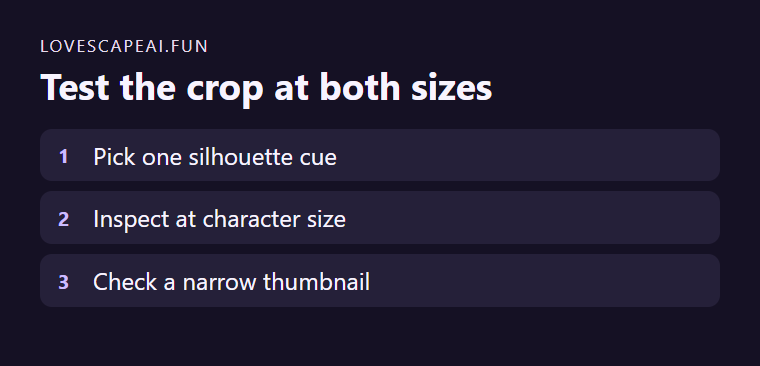
Check the character’s large portrait and a small thumbnail before settling on a look. Lovescape’s help describes choosing a visual style in creation and managing photos from the profile. Generated images can vary, so choose two specific details you want the current image to preserve.
Use a detail that tells a story
Imagine an adult violin repairer with a faded mustard apron and round safety glasses. View the portrait at normal size and then at the size of an icon. The glasses should still have a clear shape. If only the apron color survives at small size, decide whether that color is enough for this character.
Revise the pose before adding decoration
Move the important detail toward the center when the crop cuts it off. Use a simple background. Once you have a usable version, keep the exact clothing and framing details in a private character note for your next original scene.